Vibe coding, what it is and exactly where it breaks
Vibe coding means describing what you want and shipping what the AI writes without reading it. It works for four things and fails badly at five others.
%20by%20%E2%80%9EDiceBear%E2%80%9D%2C%20licensed%20under%20%E2%80%9ECC0%201.0%E2%80%9D%20(https%3A%2F%2Fcreativecommons.org%2Fpublicdomain%2Fzero%2F1.0%2F)%3C%2Fdc%3Arights%3E%3C%2Frdf%3ADescription%3E%3C%2Frdf%3ARDF%3E%3C%2Fmetadata%3E%3Cmask%20id%3D%22viewboxMask%22%3E%3Crect%20width%3D%2216%22%20height%3D%2216%22%20rx%3D%228%22%20ry%3D%228%22%20x%3D%220%22%20y%3D%220%22%20fill%3D%22%23fff%22%20%2F%3E%3C%2Fmask%3E%3Cg%20mask%3D%22url(%23viewboxMask)%22%3E%3Crect%20fill%3D%22%23e4f0ff%22%20width%3D%2216%22%20height%3D%2216%22%20x%3D%220%22%20y%3D%220%22%20%2F%3E%3Cpath%20d%3D%22M4%202h8v1h1v3h1v2h-1v3h-1v1H9v1h4v1h1v2H2v-2h1v-1h4v-1H4v-1H3V8H2V6h1V3h1V2Z%22%20fill%3D%22%23ffdbac%22%2F%3E%3Cpath%20d%3D%22M4%202h8v1h1v3h1v2h-1v3h-1v1H4v-1H3V8H2V6h1V3h1V2Z%22%20fill%3D%22%23fff%22%20fill-opacity%3D%22.1%22%2F%3E%3Cpath%20d%3D%22M13%207h1v2h-1zM2%207h1v2H2z%22%20fill%3D%22%23fafad2%22%2F%3E%3Cpath%20d%3D%22M6%2013H4v3h2v-3ZM12%2013h-2v3h2v-3Z%22%20fill%3D%22%2388d8b0%22%2F%3E%3Cpath%20fill%3D%22%23fff%22%20fill-opacity%3D%22.2%22%20d%3D%22M5%2013h1v3H5zM10%2013h1v3h-1z%22%2F%3E%3Cpath%20d%3D%22M10%205h1v2H9V6h1V5ZM5%205h1v2H4V6h1V5Z%22%20fill%3D%22%23fff%22%2F%3E%3Cpath%20fill%3D%22%23647b90%22%20d%3D%22M11%206h-1v1h1zM6%206H5v1h1z%22%2F%3E%3Cpath%20d%3D%22M6%209v1h3v1h1v-1H9V9H6Z%22%20fill%3D%22%23de0f0d%22%2F%3E%3Cpath%20d%3D%22M4%202h8v1h1v2h1v7h-1v-1h-1V5h-1V4H5v1H4v6H3v1H2V5h1V3h1V2ZM2%2012v1H1v-1h1ZM14%2012h1v1h-1v-1Z%22%20fill%3D%22%23009bbd%22%2F%3E%3C%2Fg%3E%3C%2Fsvg%3E)
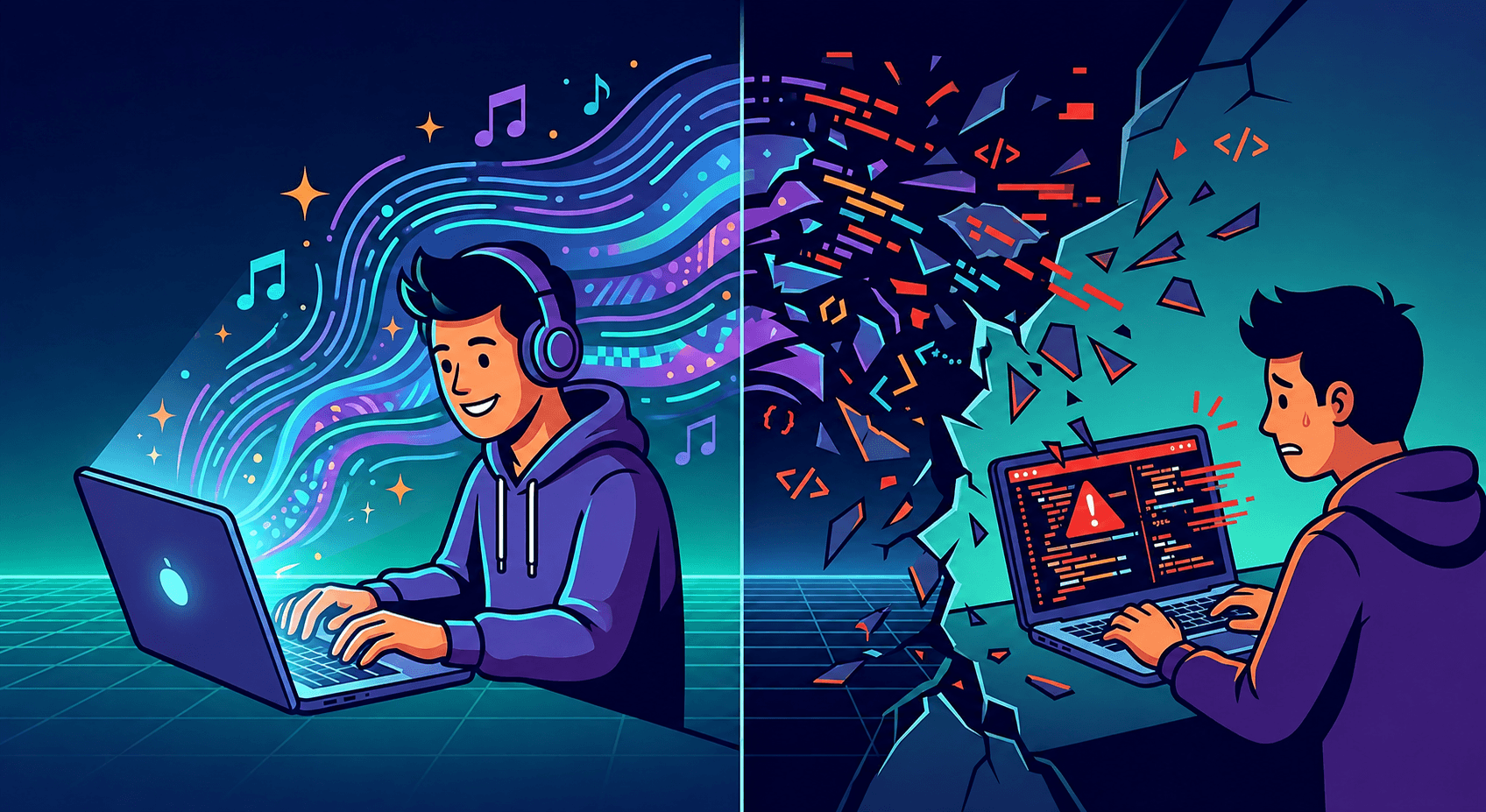
Vibe coding is describing what you want in plain language, letting an AI write the code, and shipping it without reading it line by line. Andrej Karpathy coined the term in February 2025, describing a workflow where you "forget that the code even exists". Collins Dictionary made it a word of the year later that same year.
It is a genuinely useful way to work. It is also the fastest way to build something you cannot maintain, cannot debug, and cannot explain in an interview. Both of those are true at once, and which one you get depends almost entirely on one thing: whether you could have written the code yourself.
This post covers where vibe coding earns its reputation, the five places it reliably breaks, and how to use AI heavily without ending up unable to work without it.
Where it genuinely works
Not a grudging concession. These are cases where vibe coding is the correct choice:
- Throwaway prototypes. You need to see whether an idea feels right. The code has a lifespan of an afternoon.
- Code in a language you will never maintain. A one-off script to rename 400 files. Nobody is reviewing it and nobody will run it twice.
- Boilerplate you have written a hundred times. Config files, test scaffolding, the eleventh CRUD endpoint.
- Getting unstuck on a blank page. A wrong first draft you then fix is often faster than a blank editor.
The pattern: the code is disposable, or you can immediately tell whether it is right. When either is true, not reading it costs nothing.
Everything below is what happens when neither is true.
Break 1: locally correct, globally wrong
The single most common failure. The AI solves the problem you described, and the problem you described was not quite your problem.
You ask for a function that fetches a user and caches the result. You get one. It works. It also caches forever, because you did not mention that users can change their names, and the model had no way to know your app has a profile editor.
Nothing errors. Tests pass, if there are any. The bug surfaces a week later as "why is my name still the old one", and it takes a day to trace because the caching looked deliberate.
Models optimise for a plausible answer to the prompt. Your codebase's actual constraints, the ones that live in other files and in people's heads, are not in the prompt. The research literature on vibe coding keeps landing on the same point: the model has your description, not your system.
Break 2: it accumulates instead of refactoring
Ask a person to add a fifth feature and they notice the four existing ones share a pattern, and pull it out. Ask a model in a fresh session and it writes a fifth independent implementation, because it is optimising for "make this request work", not "make this codebase coherent".
Do that fifteen times and you have fifteen slightly different ways of doing the same thing. Each one works. Together they mean any change has to be made in fifteen places, and you will find fourteen.
This one compounds silently. Every individual step looked fine. The mess is only visible from above, and you only get the view from above by reading the whole thing, which is precisely what vibe coding skips.
Break 3: the happy path is all it knows
Models learn from code that mostly works, and code that mostly works is code where nothing went wrong. So the generated version handles the case you described and quietly assumes the rest.
Ask for a function that fetches and displays a list, and you will typically get something that assumes the request succeeds, the response is valid JSON, the array has items, every item has every field, and the user did not navigate away mid-request.
// What you usually get
const res = await fetch("/api/items");
const data = await res.json();
setItems(data.items);
// What production needs
const res = await fetch("/api/items");
if (!res.ok) return setError(`Request failed: ${res.status}`);

const data = await res.json();
setItems(Array.isArray(data.items) ? data.items : []);
A fetch that returns 500 does not throw. It resolves, with ok set to false, and the first version happily tries to parse an error page as JSON. That is not an exotic edge case, it is Tuesday.
CSS has the same pattern in a quieter form. Ask for a centered layout and you get display: flex with align-items: center, which is correct and which does nothing at all if the parent's height is auto. The generated code is not wrong. It is just missing the one line that makes it work, and How to Center a Div covers why that failure is invisible.
You can get the better version by asking for it. But you have to know to ask, and knowing to ask is the thing vibe coding is supposed to make unnecessary.
Break 4: the parts you cannot see
Some categories of problem produce no visible symptom at all until they are expensive.
- Secrets in the wrong place. An API key written into client-side code works perfectly and is visible to every visitor. Nothing about the running app looks wrong.
- Unvalidated input reaching a database. The feature works. It also works for someone sending input you did not anticipate.
- Dependencies you did not choose. A model suggesting a package is not a model vouching for it. Sometimes the package is abandoned. Sometimes, notoriously, it does not exist at all, and the name is a plausible-sounding invention.
- Permissive defaults. CORS set to allow everything, auth checks on the client only, a database rule that lets any signed-in user read any row.
You cannot test your way out of this category, because the app behaving correctly is exactly what you would expect either way. The only detection method is reading the code, and there is a specific version of "reading" that matters here: knowing what should be there and noticing that it is not. Absence is far harder to spot than error.
Break 5: the one under all the others
Here is the part the other articles about vibe coding do not say plainly.
Every failure above is caught by review. Review means reading the diff and forming an opinion. And you cannot review code you cannot read.
If you already know why that fetch needs an ok check, you will spot its absence in three seconds and vibe coding just saved you ten minutes. If you do not, the same diff looks equally fine either way, and you have not saved ten minutes. You have deferred an unknown amount of work to a moment you do not control.
This is why the same workflow produces opposite outcomes for a senior engineer and a beginner. It is not a difference in typing speed or prompt quality. The senior engineer is running a review pass the beginner cannot run, and that pass is where the value is.
It also explains the specific dread of the vibe-coded project that breaks: you cannot debug it, because debugging means having a model in your head of what the code is supposed to do, and you never built one. Asking the AI to fix it works until it does not, and then there is no next step.
How to use AI heavily and still learn
None of this argues for writing everything by hand. That would be silly, and the people saying it mostly do not do it either. It argues for a specific discipline.
1. Write the hard part yourself, generate the boring part. If you have never written the thing, write it once. After that, generating it is fine, because now you can review it.
2. Read every line before accepting it, and stop on anything you do not understand. Not to be virtuous. Because a line you do not understand is a line you cannot debug, and you are the one who will have to.
3. Ask why, not just what. "Why did you add that check?" and "what happens if this array is empty?" turn a code generator into a tutor. This is the single highest-value habit on the list.
4. Make it explain the code back, then check the explanation. If the explanation is wrong, the code probably is too, and you have found a bug for free.
5. Ask for the failure modes explicitly. "What could go wrong with this?" and "what inputs would break it?" reliably surface the happy-path problem from break 3.
6. Keep one project AI-free. Not forever. Long enough to find out what you can actually do, because that number is very hard to estimate from the inside.
7. Commit before you accept a big change. A clean commit is an undo button that works even when you cannot read the diff. If a generated change turns out to be wrong, undoing the last commit takes one command, and the alternative is trying to remember which of forty files were touched.
The underlying idea: use AI to go faster on things you understand, and to learn things you do not, but not to skip understanding entirely. The first two are enormous wins. The third is a loan at a bad rate.
The honest position
Vibe coding is a real technique with a real place. Prototypes, scripts, boilerplate, and unblocking yourself are all legitimate, and refusing to use it for those is a preference, not a principle.
Shipping code you cannot read to users who depend on it is a different activity that happens to use the same tools. The industry is currently working out where the line is, mostly by crossing it.
For anyone learning: the reason to learn to code in 2026 is not that AI cannot write code. It obviously can. It is that reviewing, debugging, and deciding are now the job, and all three require being able to read what you are looking at. That skill did not get less valuable. It got concentrated.
Learn to read code, not just prompt for it
This is the thinking behind how Ask Puff, the AI tutor built into every Devpuff lesson, works. It can see your code and your error, and it will explain the concept, ask a guiding question, or give you the next hint. It will not hand you the finished solution to a graded exercise, because a solution you did not reach is a solution you cannot review later.
If you want the reading skill that makes AI genuinely useful rather than load-bearing, start with the fundamentals and write them yourself once. JavaScript Basics runs in the browser with no setup, and Learning by Doing covers why the writing part is not the bit to optimise away.
Related: useEffect Explained, a good test case, since AI-generated effects are frequently missing exactly the cleanup that break 4 is about.
More from the blog
Context windows, tokens and temperature, explained
The LLM context window, tokens and temperature decide what an AI assistant can see and how it answers. Knowing them explains most odd behaviour.
Read more
How to actually learn from AI-generated code
You can learn from AI generated code or just ship it. Here is what the research found, and a protocol that keeps the speed without losing the skill.
Read moreReady to write some code?
Put this into practice - start your first free lesson. No setup, no credit card.